
We would like to give you an opportunity to get a feel for HubSpot and have a basic understanding of some key elements of the CRM team's deliverables.
Next steps:
- Navigate to https://developers.hubspot.com/get-started
- Here you will be able to create a Create developer account, if this is your first time logging into HubSpot, you will need to create a free login and verify your email address.
- Follow all prompts
- For HubSpot's security purposes, you may be asked to download the Nametag app and validate your identity.
- Once logged in, in the left hand navigation, click "Development", then click "Test Accounts", then click "Create developer test account"
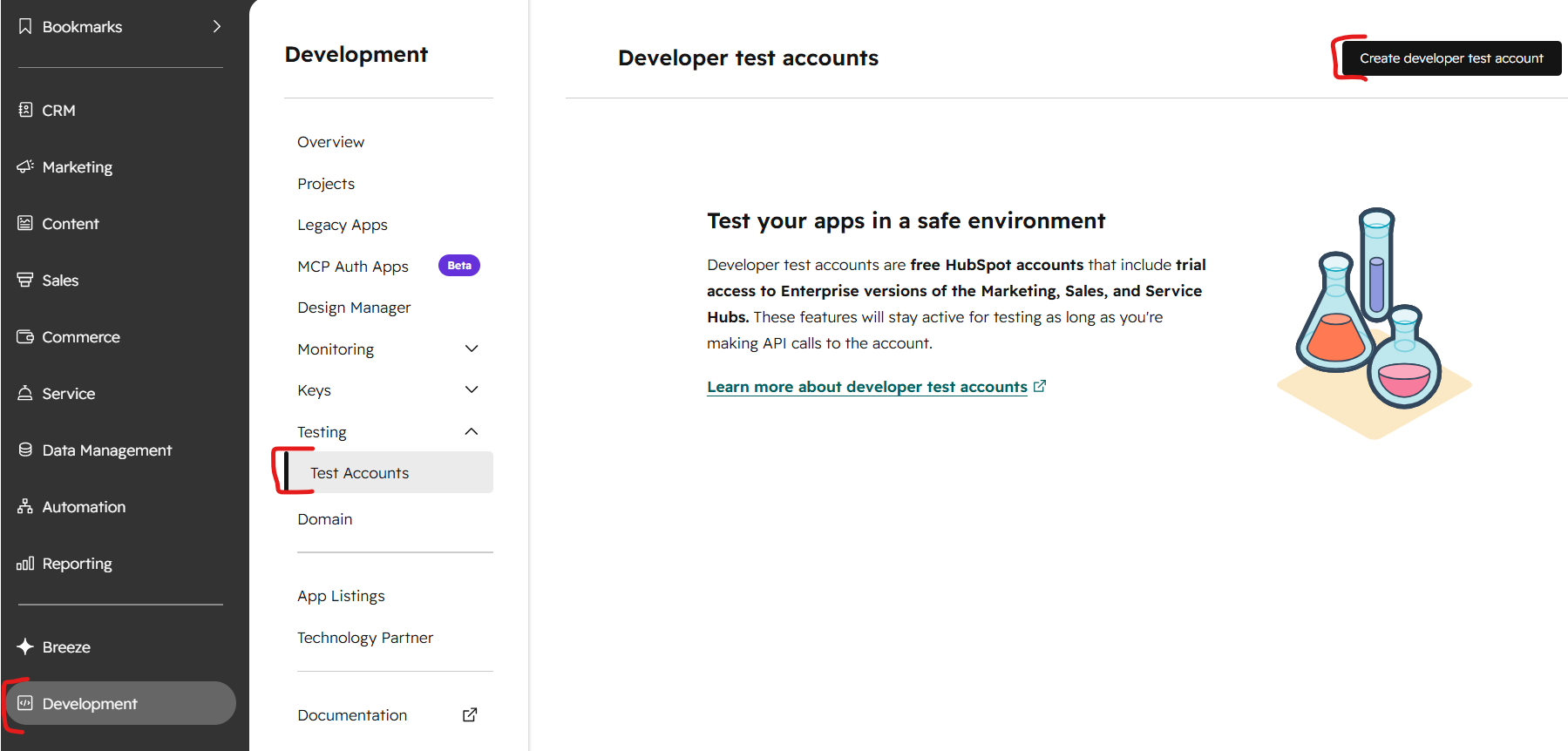
- Name the test account "Practical Test - " - replacing your name

- Select "Create"
- Once created, click into the newly created trial account to complete your configuration
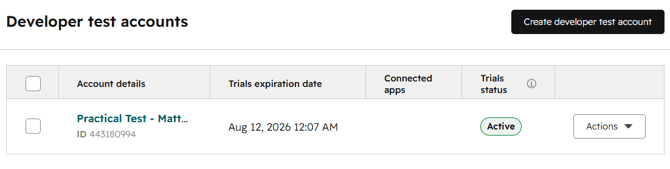
- Configure all assets in this Developer Test Account
Now that you have your Trial CRM ready to go, have a go at setting up your CRM as follows:
- Create a Deal Pipeline that is reflective of a Plumbing Business' sales process
- Create at least one property of each property type on any object/s that a plumber might use
- Create a Ticket Pipeline that is reflective of a plumber's service process
- Consider (and build if you can) some workflows that a plumber might use to increase their sales and/or service efficiency
- Consider (and build if you can) some reports that a plumber might use to understand how their Sales/Service Teams are performing
- Define and create association labels between a Contact and a Company
- Create a Contact, a Company, a Deal and a Ticket and associate them all together
Information and instructions for each of these should be available either through the academy or on HubSpot's knowledge base.
During the interview stage
- Feel free to raise any questions you've had about the CRM
- We will walk through what you have configured in the CRM
- You will explain the reasoning behind why you have configured the CRM in the way that you have and how the decisions made through this process will add value to the Plumbing Business